
 Image 1 of 3
 Image 2 of 3
 Image 3 of 3
Stop guessing and start cutting with precision. Are your laser-cut box joints too loose? Do your interlocking parts fail to fit together perfectly? The culprit is likely kerf. We designed this free Kerf Gauge and Thickness Tool to help makers, hobbyists, and small business owners master their laser accuracy without the headache of constant manual calculations.
Kerf refers to the width of the material removed by the laser beam during the cutting process. While it may seem small, typically varying from 0.08mm to 1mm depending on your settings, ignoring it is the leading cause of inaccurate part sizes and poor fit in interlocking designs. Instead of calculating kerf compensation manually for every single sheet of plywood or acrylic, this digital download provides you with a physical thickness gauge you can cut directly on your machine.
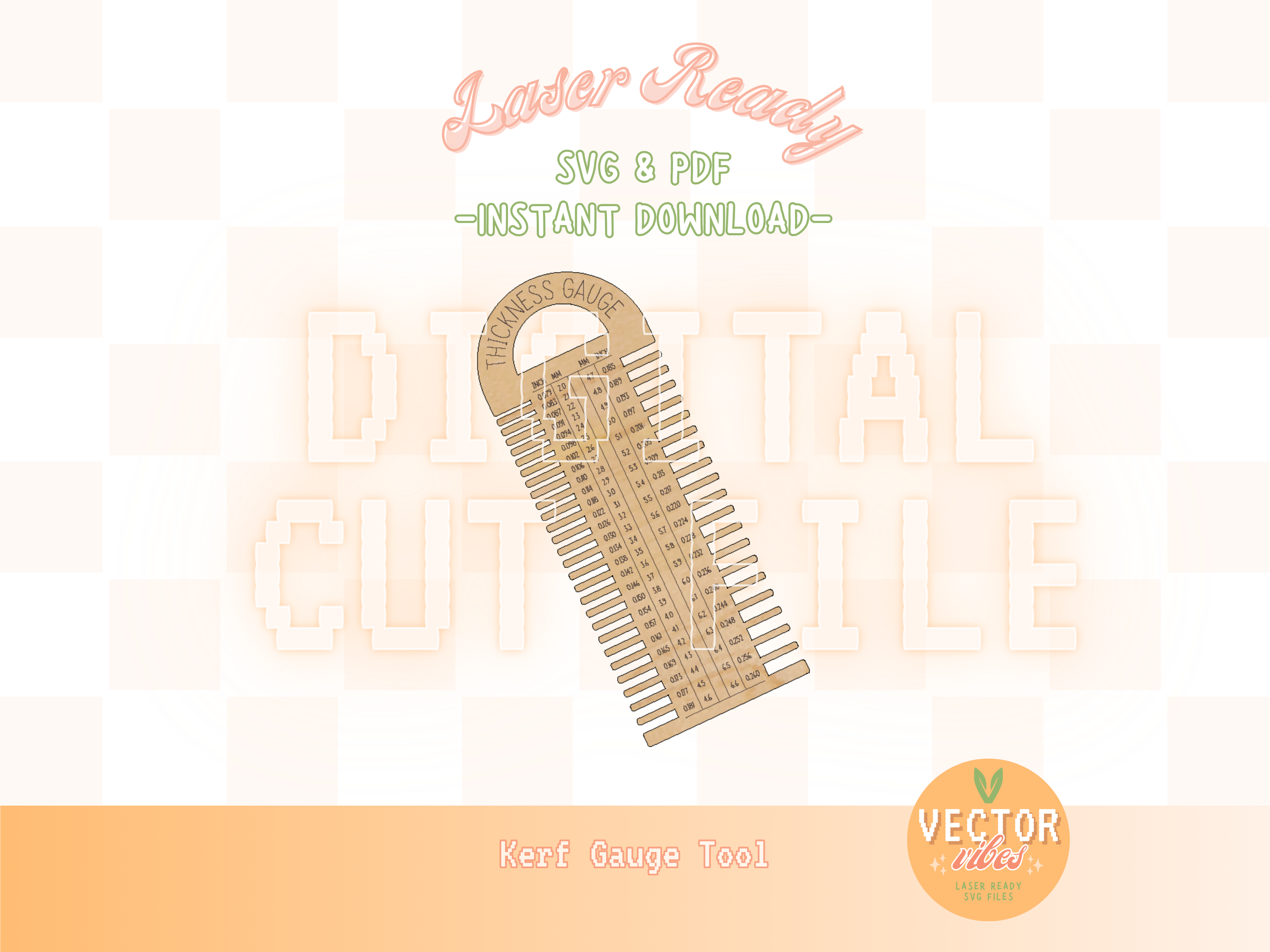
It allows you to use comb-like slots to test your material thickness instantly without complex math. This helps you save material and time by checking your fit before you cut a full project, avoiding wasted material caused by loose joints or slots that are too tight. Your download includes our Understanding Kerf PDF guide, which teaches you measuring methods like the Single Square and Multiple Cut techniques to calibrate your specific machine.
What is included in this digital download is a thickness gauge SVG, a ready-to-cut vector file featuring both Inch and Millimeter measuring slots, and the Vector Vibes Kerf Guide resource explaining how beam size, focus, and material type influence your cuts. This file is optimized for standard laser software using specific color mapping where red is for cut lines, black is for engraving, and blue is for scoring lines. For the most consistent results, always ensure your optics are clean and your machine is focused before running your calibration tools.
Stop guessing and start cutting with precision. Are your laser-cut box joints too loose? Do your interlocking parts fail to fit together perfectly? The culprit is likely kerf. We designed this free Kerf Gauge and Thickness Tool to help makers, hobbyists, and small business owners master their laser accuracy without the headache of constant manual calculations.
Kerf refers to the width of the material removed by the laser beam during the cutting process. While it may seem small, typically varying from 0.08mm to 1mm depending on your settings, ignoring it is the leading cause of inaccurate part sizes and poor fit in interlocking designs. Instead of calculating kerf compensation manually for every single sheet of plywood or acrylic, this digital download provides you with a physical thickness gauge you can cut directly on your machine.
It allows you to use comb-like slots to test your material thickness instantly without complex math. This helps you save material and time by checking your fit before you cut a full project, avoiding wasted material caused by loose joints or slots that are too tight. Your download includes our Understanding Kerf PDF guide, which teaches you measuring methods like the Single Square and Multiple Cut techniques to calibrate your specific machine.
What is included in this digital download is a thickness gauge SVG, a ready-to-cut vector file featuring both Inch and Millimeter measuring slots, and the Vector Vibes Kerf Guide resource explaining how beam size, focus, and material type influence your cuts. This file is optimized for standard laser software using specific color mapping where red is for cut lines, black is for engraving, and blue is for scoring lines. For the most consistent results, always ensure your optics are clean and your machine is focused before running your calibration tools.